
Business IT Support, Infrastructure, Security, CCTV and Communication Services
Fourteck helps businesses resolve technology problems, maintain essential systems and plan practical improvements across desktops, Windows and Linux platforms, servers, office networks, Wi-Fi, internet connections, firewalls, business email, CCTV, IP phones and IP PBX systems. Support can be arranged for a single urgent issue, a planned project, an office move or an ongoing maintenance requirement.
This page is organised around real customer needs: restoring interrupted work, improving reliability, reducing repeated faults, protecting access, documenting systems and helping management decide when to repair, replace, expand or standardise. The service scope supports offices and operational sites across Dubai and the wider United Arab Emirates.

One Support Partner Across the Connected Office
Technology faults rarely stay inside one category. A phone problem may be caused by a network or firewall rule. A camera problem may come from power, cabling, switching or storage. Slow email may be a local computer issue, a mailbox problem or an internet fault. Fourteck’s broad service scope helps connect these dependencies and reduces the risk of several vendors each blaming another part of the system.
IT Support
Desktop, Windows, Linux, user access, applications, printers, email and everyday office technology support.
Servers
Physical and virtual server health, storage, backup, deployment, migration and recovery planning.
Networks
Switches, routers, structured cabling, Wi-Fi, internet troubleshooting and branch connectivity.
Cybersecurity
FortiGate, SonicWall, firewall rules, VPN access, subscriptions, backups and upgrade planning.
CCTV
Camera, DVR, NVR, storage, playback, remote viewing, image quality and preventive maintenance.
Telephony
IP phones, IP PBX, 3CX, Grandstream, Yeastar, SIP trunks, queues and call routing.
Managed IT Support and Responsive Technical Assistance in Dubai
Fourteck provides practical IT support for offices that need reliable systems, clear ownership and a faster route from technical problem to business recovery. The service is designed for companies that depend on computers, servers, networks, internet access, business email, Wi-Fi, telephone systems, CCTV and security devices every working day. Instead of treating each fault as an isolated incident, the support process looks at the complete environment, the users affected, the operational impact and the most sensible corrective action. This helps reduce repeat failures and gives management a clearer understanding of what should be repaired, upgraded, documented or monitored.
Support can begin with a single urgent issue or develop into an ongoing maintenance arrangement. Remote assistance is suitable for many software, configuration, user-access and email problems, while onsite visits are used when physical inspection, cabling, hardware replacement, rack work, camera alignment or device testing is required. Each request is approached with a diagnostic sequence: confirm the symptoms, identify the affected users or services, check recent changes, isolate the likely source, apply a controlled fix and verify normal operation. Where the final repair requires a replacement part, licence, internet-provider action or third-party approval, the dependency is explained so the customer can make a timely decision.
The objective is not to overwhelm customers with technical terminology. It is to restore productivity, protect business information and make future support easier. Fourteck can assist new offices, growing teams, established companies, retail branches, warehouses, clinics, professional practices, schools, hospitality operations and project sites across Dubai and other UAE locations. Customers can request help for one device, one department, a complete office or a multi-site environment.
- Remote troubleshooting and guided user support for common business IT problems.
- Onsite technical visits for hardware, networks, servers, telephony and surveillance systems.
- Preventive maintenance, documentation and practical improvement recommendations.
- Support planning for new offices, branch openings, relocations and infrastructure upgrades.
Desktop, Laptop and Workplace Computer Support
Desktop and laptop problems can interrupt individual work, slow a department or stop customer-facing activity. Fourteck supports business computers used for administration, finance, sales, design, operations, reception, point-of-service tasks and management. Assistance covers slow performance, startup failures, application errors, driver conflicts, storage limitations, peripheral problems, damaged operating-system components, user-profile faults and connectivity issues. The first priority is to determine whether the problem is limited to one device or indicates a wider network, server, licence or security issue.
A structured desktop-support visit can include health checks, operating-system review, storage and memory assessment, software cleanup, printer and scanner connectivity, browser problems, shared-folder access, local security settings, endpoint-protection checks and user-data considerations. When repair is economical, the device is stabilised and tested. When replacement is more sensible, the customer receives a practical recommendation based on workload, software requirements, expected life, upgradeability and compatibility with the existing business environment. This avoids buying computers that are either underpowered for the task or unnecessarily expensive.
Fourteck also helps standardise workplace devices so staff receive a more consistent experience. Standard naming, user permissions, approved software, backup rules, browser configuration, email setup and shared-resource mapping make day-to-day support more efficient. For companies adding new employees, computers can be prepared with the required applications, security controls, printers, shared drives and communication tools before handover. For departing employees, access can be reviewed and business data can be transferred according to the customer’s internal instructions.
- Computer fault diagnosis, performance improvement and software troubleshooting.
- New-user workstation preparation and secure employee handover.
- Printer, scanner, monitor, docking-station and accessory support.
- Hardware upgrade guidance for memory, storage and replacement systems.
Windows Support for Business Computers and Office Users
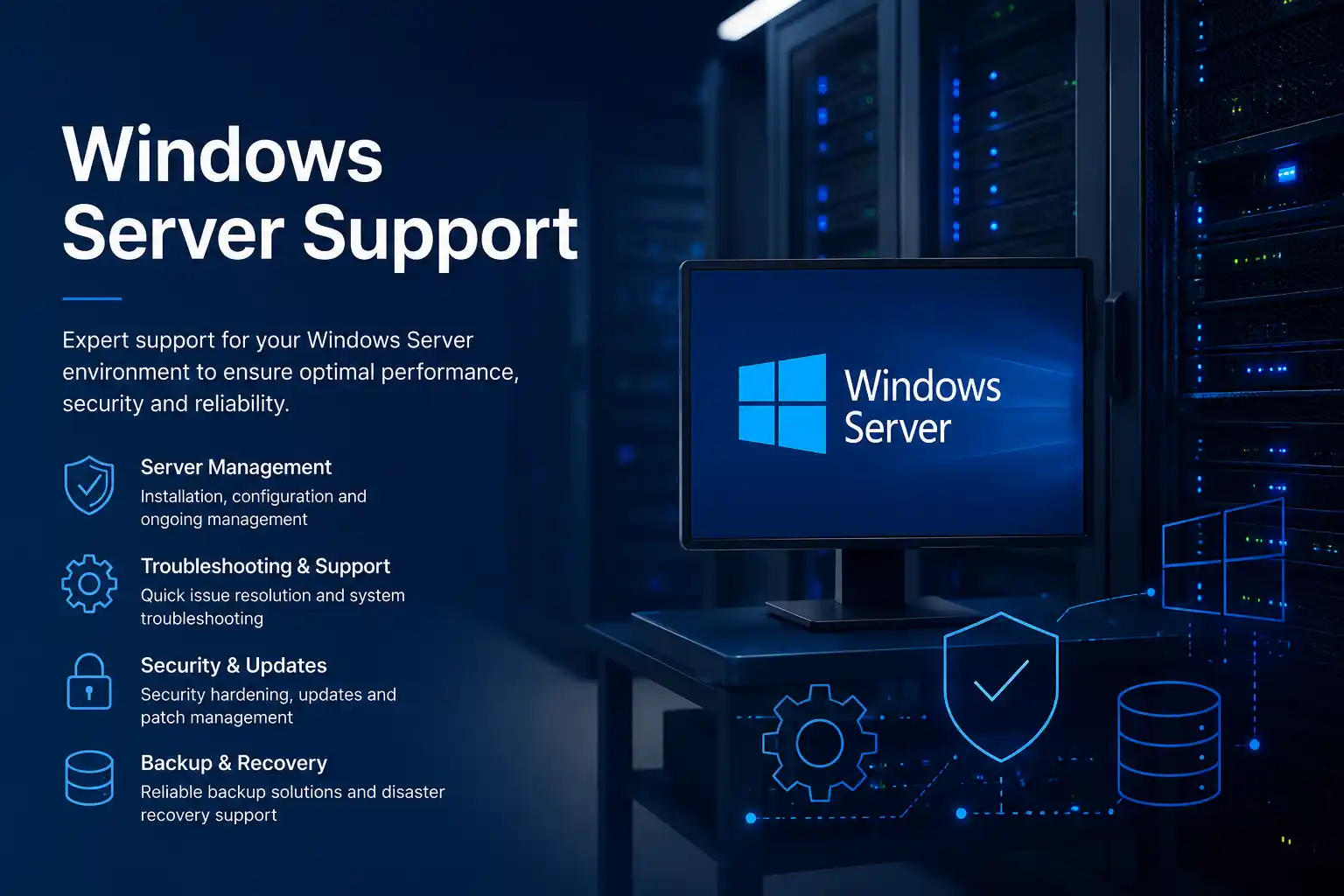
Windows remains central to many UAE business environments because it connects users to office applications, shared files, printers, line-of-business software, cloud services and directory-based access. When Windows becomes unstable, the visible symptom may be a blue screen, slow login, update failure, missing network drive, application crash, printer error or repeated request for credentials. Fourteck investigates the full chain rather than assuming that every Windows problem is caused by the computer itself.
Support may include startup repair, update troubleshooting, user-profile recovery, driver correction, disk-space cleanup, system-file checks, application compatibility review, local policy settings, domain or workgroup connectivity, shared-folder permissions, security software conflicts and backup verification. Care is taken before major changes so important business files and user settings are not unnecessarily placed at risk. Where a fresh installation is the most reliable path, the work can be planned around required applications, licence availability, data transfer and the employee’s working schedule.
For organisations with multiple Windows devices, consistency is valuable. Fourteck can help define a practical baseline for editions, patching, endpoint protection, browsers, email clients, remote support tools, printers and standard business applications. This makes faults easier to identify and reduces the number of different configurations that management must maintain. Support also includes guidance for ageing systems that may no longer provide suitable performance, security or compatibility. The recommendation is based on the real business use of the device, not on a generic replacement cycle.
- Windows startup, login, update and performance troubleshooting.
- Business application and peripheral compatibility checks.
- User profile, shared drive and office resource access support.
- Planned operating-system reinstallation and data migration assistance.
Linux Support for Servers, Applications and Business Infrastructure
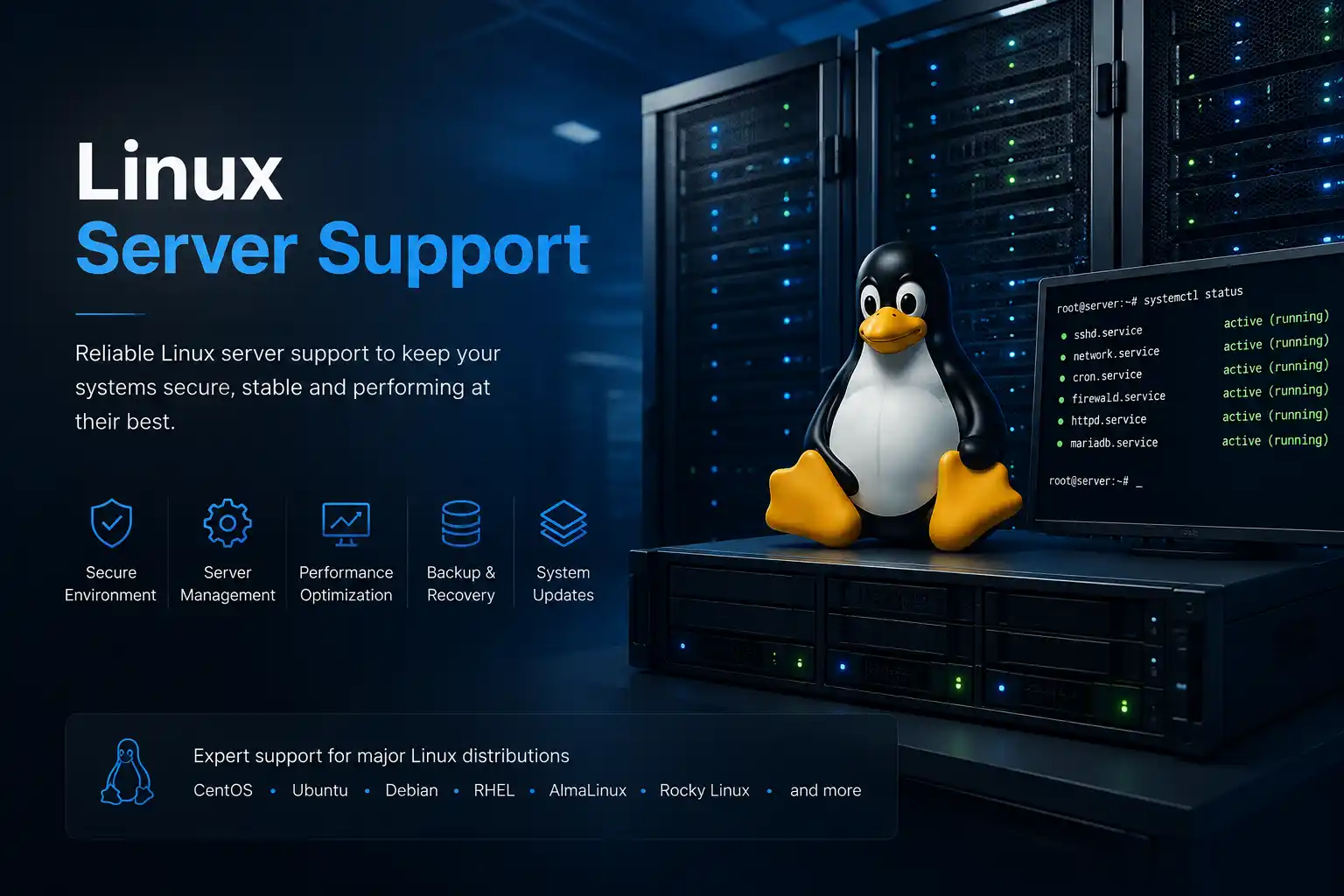
Linux systems often operate quietly behind essential business services. They may host websites, databases, file services, monitoring tools, virtual machines, security applications, backups or custom business platforms. Because these systems can be highly customised, effective support begins with understanding the role of the server, the distribution and version in use, the applications it hosts, the current backup position and the impact of downtime. Fourteck provides Linux support for companies that need troubleshooting, maintenance, migration planning or technical assistance with an existing environment.
Typical work includes service-status checks, log review, storage usage, file-system concerns, user and permission problems, network configuration, firewall rules, scheduled tasks, package issues, failed updates, web-service faults, database connectivity, SSL certificate deployment and resource utilisation. Changes are planned carefully because a quick command without context can interrupt dependent services or remove useful diagnostic information. Where possible, the problem is reproduced or isolated, a backup or rollback path is confirmed and the result is tested from the user or application perspective.
Linux support can also help businesses move away from undocumented systems. Fourteck can create a practical record of server purpose, IP information, storage layout, hosted services, important paths, backup locations, administrative dependencies and renewal dates. For migrations, the service can help compare in-place repair, operating-system upgrade, virtual-machine replacement, cloud hosting or new on-premises hardware. The appropriate direction depends on application compatibility, security requirements, performance, budget and the availability of the software vendor or developer.
- Linux service, storage, network, permission and update troubleshooting.
- Web server, database and application-stack support coordination.
- Security hardening, firewall review and certificate assistance.
- Documentation and migration planning for legacy Linux systems.
Server Support, Maintenance, Virtualisation and Recovery Planning
Servers concentrate important business functions, so a server problem can affect many users at once. Shared folders may disappear, accounting software may stop, authentication may fail, applications may become slow or backups may not complete. Fourteck supports physical and virtual servers used for file sharing, business applications, directory services, databases, backup, remote access and branch operations. The response starts by identifying the affected service, the scope of impact and the safest way to restore access without creating additional data risk.
Server support can include hardware health review, storage and RAID alerts, operating-system checks, event and application logs, service failures, resource bottlenecks, virtual-machine status, network connectivity, user access, permissions, backup jobs, antivirus or endpoint controls and power-related concerns. A failed disk, full volume, unstable memory, expired certificate, interrupted update or misconfigured network can create similar user complaints, so diagnosis must be evidence based. Fourteck can coordinate replacement components, rebuild degraded arrays, review storage growth and test access after repair, subject to the condition of the hardware and the availability of recoverable data.
Preventive server care is equally important. Capacity trends, backup success, warranty status, firmware, operating-system support, UPS health, administrator access and documentation should be reviewed before an emergency. For ageing systems, Fourteck can help compare repair, hardware refresh, virtualisation, consolidation, cloud migration or hybrid deployment. The goal is a supportable design with a clear backup and recovery path. Businesses planning a new server can receive guidance on workload, users, applications, storage, redundancy, growth, remote access and branch connectivity before equipment is selected.
- Physical and virtual server troubleshooting and health checks.
- Storage, RAID, capacity, backup and recovery-path review.
- Windows and Linux server support coordination.
- Server replacement, virtualisation and migration planning.
New Server Deployment and Existing Server Modernisation

A successful server deployment is more than installing hardware in a rack. The design must match the applications, users, storage growth, backup policy, network capacity, security model and future expansion of the organisation. Fourteck helps businesses plan and implement new server environments for office applications, file services, databases, virtual machines, centralised management and backup. The process begins with discovery so the proposed system is linked to actual business requirements rather than a generic specification.
Deployment work can include rack and power planning, network connections, storage configuration, operating-system installation, virtualisation setup, user and group design, shared-folder structure, permission mapping, application-vendor coordination, backup configuration, antivirus or endpoint controls, remote administration and testing. Where data or applications are moving from an old server, the migration sequence is prepared around downtime, data validation, user access and rollback requirements. A phased migration may be preferable when the business cannot stop all services at once.
Modernisation also involves reducing single points of failure. Depending on budget and risk, the design may include redundant storage, suitable backup targets, UPS protection, offsite copies, virtual-machine recovery, secure remote access and monitoring. Fourteck explains which elements improve availability and which are optional, allowing management to make an informed decision. After handover, clear records of configuration, addresses, system roles, administrator dependencies and backup schedules make ongoing support easier. Related server products and larger infrastructure options can also be explored through Fourteck’s main technology websites at fourteck.ae and fourteck.com.
- Requirement assessment and right-sized server specification.
- Installation, virtualisation, storage, permissions and backup setup.
- Migration planning with testing and rollback considerations.
- Documentation and post-deployment support.
Office Network Support, Switching, Routing and Cabling Troubleshooting
An office network connects computers, servers, printers, access points, IP phones, cameras, cloud applications and internet services. When the network is poorly designed or undocumented, users may experience slow access, intermittent disconnections, duplicate addresses, unreachable devices or unreliable voice and video. Fourteck provides network support for existing offices and new deployments, covering logical configuration as well as the physical path from the user outlet to switches, routers, firewalls and service-provider equipment.
Troubleshooting starts by defining the pattern. A problem that affects one desk suggests a different cause from a fault affecting one floor, one wireless area, one VLAN or the entire site. Tests may include link status, cable continuity, port configuration, switch errors, address assignment, gateway and DNS behaviour, routing, bandwidth usage, loops, device conflicts and uplink health. The purpose is to isolate the fault before changing configurations. Unplanned resets or broad changes can temporarily hide the symptom while creating new issues for phones, cameras or servers.
For new or expanding offices, Fourteck can assist with network layout, switch capacity, PoE requirements, rack organisation, patch panels, structured cabling, segmentation, guest access, device naming and documentation. Segmentation can separate business users, voice, CCTV, guests and management devices where appropriate. This improves control and can simplify troubleshooting. The network design should also consider the number of users, cloud dependence, large file transfers, video meetings, camera traffic, phone quality and expected growth, not only the speed printed on a switch or router.
- Switch, router, gateway, DNS and address-assignment troubleshooting.
- Structured cabling, patching, rack and network-point assistance.
- VLAN, guest network, voice and CCTV segmentation planning.
- Network documentation, labelling and capacity review.
Business Network Installation and Multi-Site Connectivity Planning

Businesses opening a new location or renovating an existing office need a network that is ready before employees, phones and applications go live. Fourteck supports the planning and installation of office networks for single sites, branches, retail spaces, warehouses, clinics, educational facilities and project offices. Early involvement helps align data points, wireless access points, CCTV locations, IP phone positions, server or rack requirements and internet entry points with the final furniture and operational layout.
The installation process can cover site review, cable route planning, rack selection, patch panels, network switches, router or firewall integration, access-point placement, device labelling, testing and handover. Capacity is assessed for present users and reasonable growth. Power over Ethernet requirements are considered for access points, phones and cameras so the switch design can support the real connected load. Where multiple vendors are involved, Fourteck can coordinate the network dependencies with the internet provider, telephone provider, CCTV installer, application supplier or fit-out team.
For multi-site organisations, connectivity design should consider more than whether each branch has internet. Staff may need secure access to central applications, cloud resources, shared files, voice systems or management platforms. Fourteck can help review site-to-site VPN, cloud access, backup links, address planning and standard equipment across branches. Consistent design reduces support complexity and makes it easier to add future locations. Documentation at handover records the essential layout so later maintenance does not depend entirely on memory or one individual technician.
- New office and branch network planning.
- Rack, patch panel, switching and structured cabling coordination.
- PoE capacity planning for phones, cameras and wireless access points.
- Site-to-site connectivity and standardisation guidance.
Office Wi-Fi Support, Coverage Improvement and Performance Troubleshooting
Wi-Fi problems are often described simply as weak signal, but the real cause may be access-point placement, interference, overcrowded channels, building materials, insufficient capacity, internet limitations, roaming behaviour, outdated devices or incorrect configuration. Fourteck provides office Wi-Fi support that separates coverage problems from capacity, network and internet problems. This is important because adding another access point without a plan can increase interference instead of improving service.
A Wi-Fi assessment considers the areas where users work, the number and type of devices, meeting-room activity, voice or video requirements, guest access, walls and partitions, current access-point locations and connection patterns. Troubleshooting may include signal checks, channel use, band steering, access-point load, uplink status, power, cabling, DHCP, DNS, gateway response and internet performance. Users can appear connected while applications remain slow because the wireless link is only one part of the path.
For a new or improved deployment, Fourteck can help position access points, separate staff and guest access, define suitable security, plan controller or cloud management, and ensure the switching and cabling can support the design. Warehouses, villas converted to offices, multi-floor workplaces, hospitality areas and temporary project locations each have different coverage challenges. The target is stable, usable service in the areas that matter, not merely the highest possible signal reading beside an access point. Post-installation testing should confirm everyday activities such as cloud applications, video meetings, mobile calling, printing and movement between work areas.
- Wireless coverage, interference and capacity troubleshooting.
- Access-point placement and channel-planning guidance.
- Staff, guest and device network separation.
- Wi-Fi performance testing for meetings, cloud applications and mobile users.
Business Internet Support and Provider Coordination
Internet access is now a dependency for email, cloud applications, remote access, online banking, customer systems, video meetings, voice services and many security platforms. When the connection fails, employees often cannot tell whether the issue is the service provider, router, firewall, local network, DNS, wireless system or one specific application. Fourteck helps isolate the problem and coordinates the technical information needed for a faster resolution.
Internet troubleshooting can include checking provider equipment, physical links, public and private addressing, router or firewall status, DNS response, gateway reachability, packet loss, bandwidth use and the difference between wired and wireless performance. If the provider must take action, the support process can document the symptoms, affected times and relevant test results. This gives the provider a clearer case than a general report that the internet is slow. If the connection is healthy but one service is unavailable, attention can move to application access, filtering, certificates, VPN or remote-system availability.
Businesses that cannot tolerate a single connection failure should consider continuity options. These may include a second fixed connection, mobile backup, suitable automatic failover, separate provider routes or satellite connectivity for specialised locations. The correct choice depends on cost, site availability, required speed and the applications that must remain operational. Fourteck can review the existing setup and explain the practical limitations of each backup method. A backup connection is useful only when it is tested, powered, correctly integrated and capable of supporting the priority traffic during an outage.
- Internet fault isolation across provider, firewall, network and Wi-Fi layers.
- Performance, packet-loss, DNS and gateway checks.
- Technical coordination with internet service providers.
- Backup connection and failover planning.
Firewall Support, Secure Remote Access and Network Protection
A business firewall controls the boundary between trusted systems, external networks, remote users and internet services. Incorrect rules, expired subscriptions, failed updates, overloaded hardware or undocumented changes can interrupt access or expose unnecessary risk. Fourteck provides firewall support for organisations that need troubleshooting, configuration review, replacement planning or integration with a new network. The work is based on business requirements: which services must be reachable, which users need remote access, which networks should be separated and what logs or alerts are required.
Support can include interface and routing checks, address objects, policies, network address translation, web filtering, application control, VPN status, firmware planning, administrator access, subscription review, logs, backups and high-availability considerations. Before changing a policy, the affected application and current traffic path should be understood. A rule that appears unused may support a scheduled process, remote branch or vendor connection. Configuration backup and a rollback plan are important for changes that could affect the whole office.
Remote access also requires careful design. VPN access should be assigned to the correct people, protected with appropriate authentication and limited to the resources required for work. Former employees, old vendor accounts and shared credentials can create avoidable exposure. Fourteck can help review existing access and coordinate the user-side configuration for approved staff. For new deployments, firewall sizing considers internet speed, enabled security services, VPN use, number of users and expected growth. Selecting hardware only by port count may lead to poor performance when inspection features are enabled.
- Firewall rule, NAT, routing and VPN troubleshooting.
- Configuration backup, change planning and access review.
- Subscription, firmware and capacity assessment.
- Secure remote-user and branch connectivity support.
FortiGate Support for Business Firewalls and VPN Connectivity
FortiGate appliances are widely used to combine firewalling, VPN connectivity and security inspection in one platform. Effective support requires attention to both the network configuration and the security services enabled on the device. Fourteck assists businesses with FortiGate troubleshooting, policy review, interface and route checks, site-to-site VPN, remote-user VPN, web access issues, object management, configuration backup and upgrade planning.
A common firewall complaint is that the internet works for some users but not others, one website or application is blocked, a branch VPN is unstable, or remote employees cannot connect. These symptoms can be caused by policy order, address groups, DNS, inspection profiles, certificates, routing, phase settings, user authentication or an upstream provider. Fourteck follows the traffic path and relevant logs rather than making broad policy changes. This approach helps preserve existing controls while identifying the exact condition that prevents the required connection.
FortiGate support can also include basic housekeeping: remove obsolete objects after review, confirm administrator access, export backups, document WAN and LAN interfaces, check licence status, review VPN users and plan firmware updates around business downtime. Where the current appliance is reaching capacity or end of support, Fourteck can help prepare replacement requirements based on throughput with security services enabled, VPN load, user count, network segmentation and future internet speed. The result is a more supportable firewall configuration with clearer ownership and fewer hidden dependencies.
- FortiGate policies, objects, routing, NAT and inspection troubleshooting.
- IPsec and remote-access VPN support.
- Configuration backup, documentation and firmware planning.
- Replacement sizing based on real security workload.
SonicWall Support, Policy Troubleshooting and Secure Connectivity
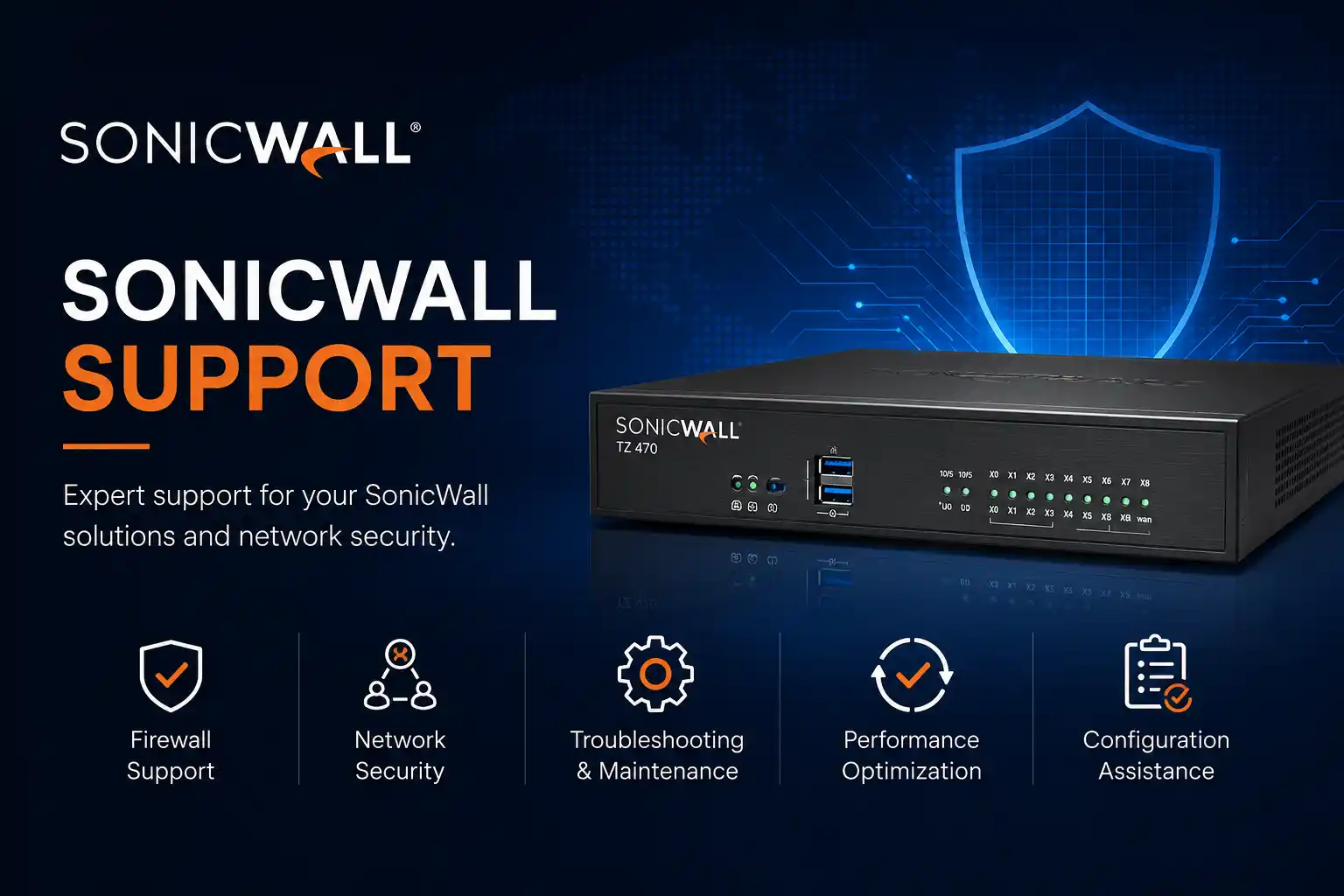
SonicWall firewalls may protect internet access, remote users, servers and branch connections for many years, which means the configuration can accumulate old rules, address objects and VPN settings. Fourteck provides SonicWall support for businesses that need to restore connectivity, review access, document the existing environment or plan an upgrade. The objective is to correct the issue while preserving legitimate business traffic and existing security requirements.
Support areas can include interfaces, zones, routes, access rules, address objects, NAT policies, DHCP, content controls, site-to-site VPN, client VPN, user access, logging, configuration export and subscription review. When an application or website is unavailable, the troubleshooting process examines the source, destination, service, route, policy and inspection path. When a VPN fails, both ends of the tunnel, matching networks, authentication settings and provider conditions must be considered. This reduces the chance of treating a network problem as a firewall problem or vice versa.
Older appliances should be reviewed for performance, support status and compatibility with current internet speeds and security requirements. A firewall that was adequate for a small office may become a bottleneck after user growth, cloud migration, video usage or faster connectivity. Fourteck can help compare continued maintenance with replacement and prepare the information required for a controlled migration. Configuration records, address plans and policy notes are valuable because they reduce disruption when hardware must be replaced urgently.
- SonicWall access-rule, NAT, zone and routing troubleshooting.
- Site-to-site and remote-access VPN assistance.
- Configuration export, clean-up review and documentation.
- Upgrade and replacement planning for ageing appliances.
Business Email, Microsoft 365 and User Mailbox Support
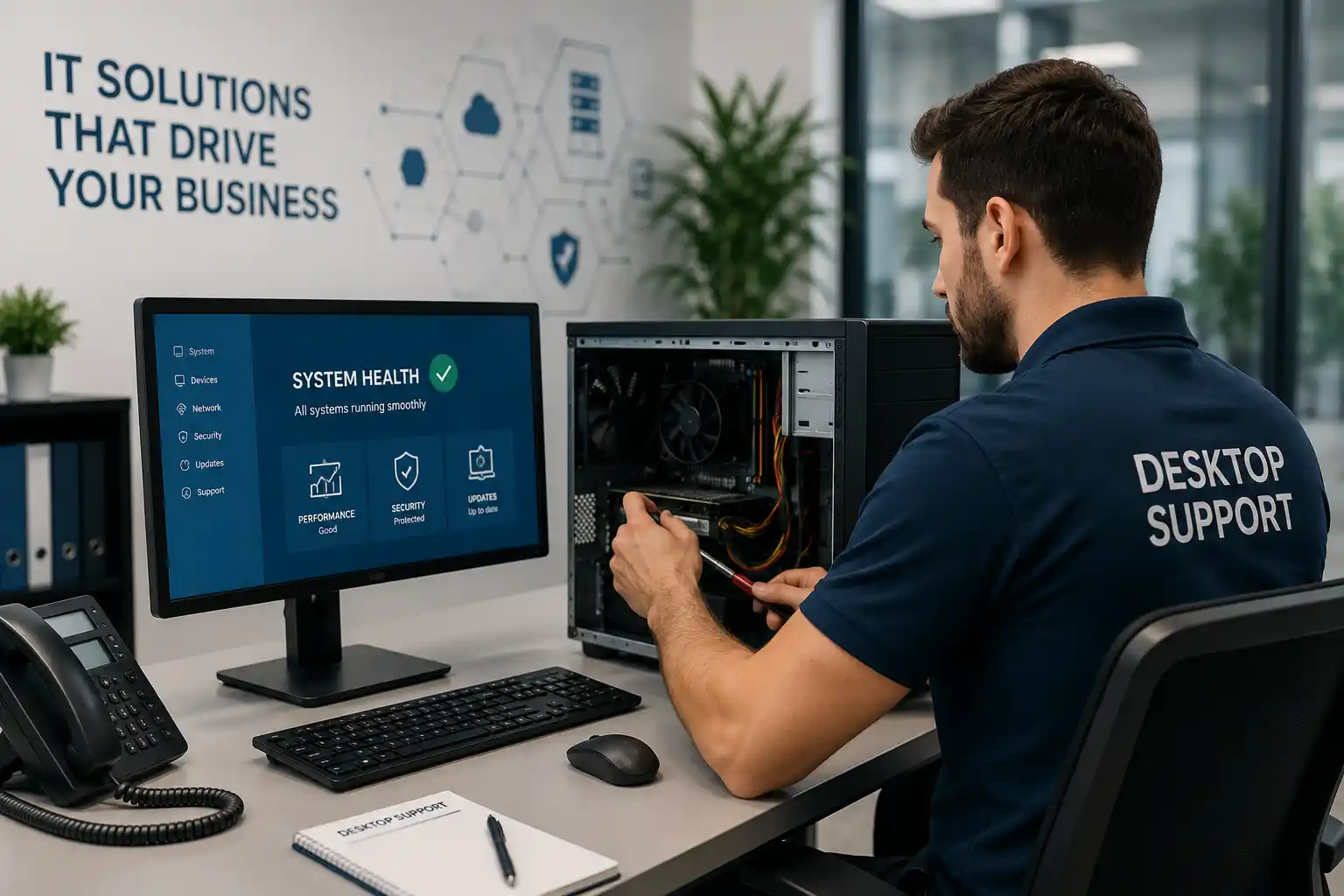
Email problems can affect sales enquiries, supplier communication, approvals, invoices and internal coordination. Fourteck supports common business email issues involving Microsoft 365, Outlook, mobile devices, shared mailboxes, domains and local network conditions. The first step is to identify whether the problem affects one user, one device, one mailbox, the whole domain or communication with a particular external organisation. That distinction helps separate a local Outlook issue from account access, licensing, DNS, security filtering or service availability.
Support can include account setup, password and sign-in problems, multi-factor authentication assistance, Outlook profile faults, mailbox synchronisation, shared mailbox access, mobile configuration, send-and-receive errors, attachment problems, storage limits and user permissions. For domain-level issues, relevant mail records and service settings can be reviewed with the authorised domain or hosting administrator. Security is important because email accounts are frequent targets for credential theft. Suspicious forwarding rules, unexpected login prompts, compromised passwords and unusual sent messages should be treated as urgent indicators.
Fourteck can also help businesses improve email administration. User accounts should follow a consistent naming and ownership process, former employee access should be removed promptly, shared mailboxes should have approved members and administrative credentials should not be used for everyday work. Backup and retention needs should be understood rather than assumed. For new employees, email can be prepared alongside the computer, applications, permissions and phone. For departing staff, mailbox access and data transfer can be handled according to management instructions and company policy.
- Outlook, mailbox, mobile and shared-mailbox troubleshooting.
- Microsoft 365 sign-in, licence and multi-factor authentication support.
- Domain and mail-flow coordination with authorised administrators.
- New-user setup and departing-user access review.
CCTV Support, Camera Maintenance and Recording-System Troubleshooting
CCTV systems are expected to record continuously, yet failures may remain unnoticed until footage is required. A camera can appear on a monitor while recording has stopped, time settings may be wrong, storage may be unhealthy, remote viewing may fail or image quality may be too poor for the intended purpose. Fourteck provides CCTV support for offices, shops, warehouses, villas, buildings and project locations that need fault diagnosis, maintenance, expansion or system review.
Support can cover IP and analogue camera systems, DVR or NVR operation, power supplies, PoE switches, cabling, connectors, camera image, storage status, recording schedules, playback, user access, network connectivity and remote viewing. The diagnostic process starts with the reported symptom and traces the path from camera to recorder, storage, display and network. A camera offline message can be caused by power, cabling, switch port, addressing, connector damage, recorder settings or camera failure. Replacing the camera without checking the path may not solve the problem.
Preventive checks are useful because surveillance systems operate for long periods in heat, dust and changing network conditions. Camera lenses may need cleaning, outdoor housings and connectors may deteriorate, storage drives may show warnings and time drift may reduce the value of recorded evidence. Fourteck can review image visibility, recording status, retention settings, storage health and remote access. Any installation or expansion should also consider the required viewing area, lighting, mounting position, privacy and applicable building or authority requirements. The aim is a system that is usable, documented and tested, not merely a collection of cameras that show live pictures.
- CCTV camera, cabling, power and network fault diagnosis.
- DVR and NVR recording, playback and storage checks.
- Remote viewing and authorised user-access support.
- Preventive maintenance and camera coverage review.
CCTV Camera Repair Coordination, Image Quality and Coverage Improvement
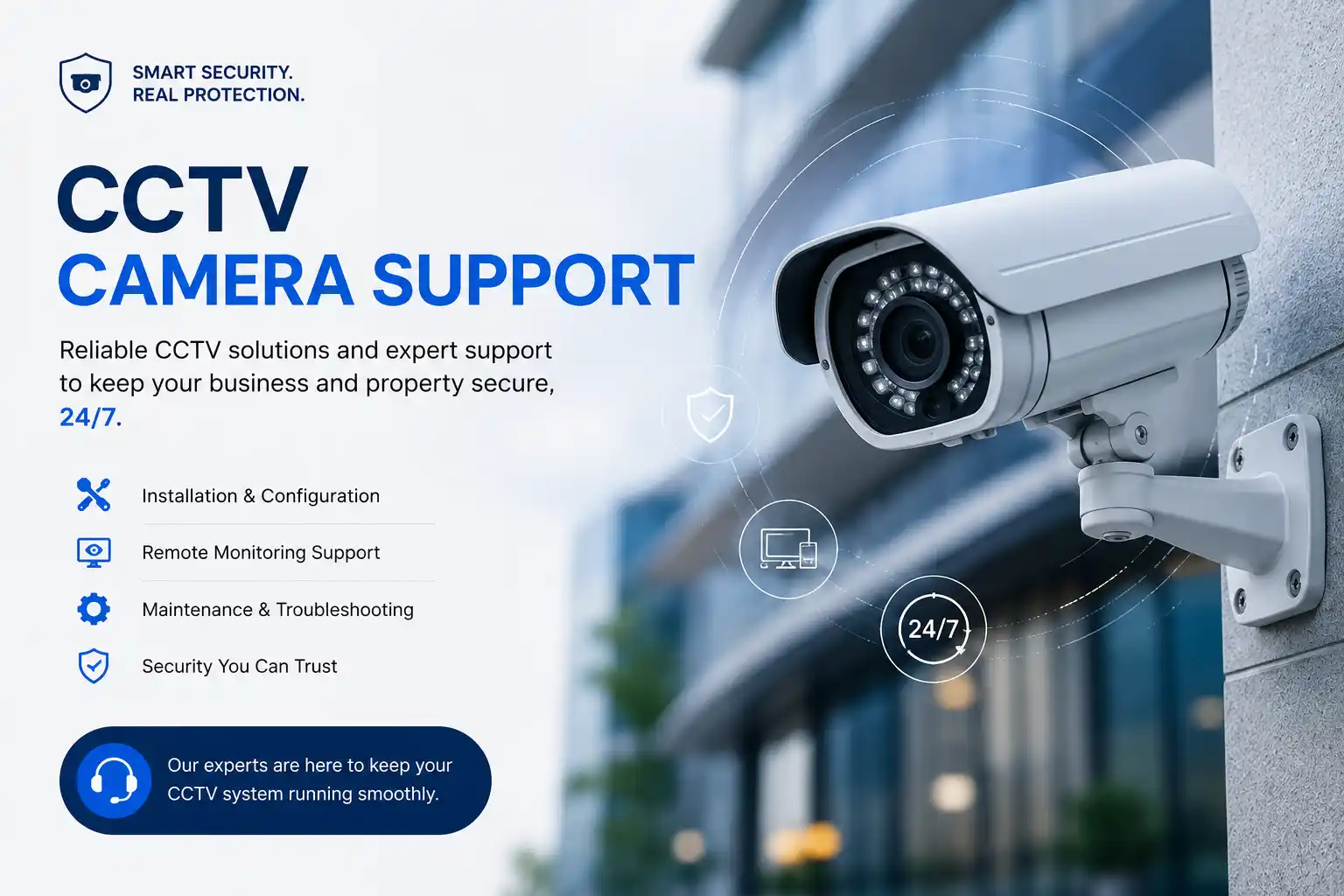
Camera-level faults require careful inspection because image problems can originate from the camera, lens, power source, cable, connector, switch, recorder or configuration. Fourteck supports customers experiencing blurred images, colour changes, night-vision glare, intermittent video, frozen pictures, water-related damage, loose mounting, incorrect angle or repeated offline alerts. The technician checks the complete path before recommending replacement.
Image quality should be assessed in the real operating conditions. A camera that looks acceptable in daylight may produce unusable night footage because of reflections, insufficient light, dirty glass or unsuitable placement. A wide view may cover a large area but provide too little detail for the customer’s objective. Fourteck can help adjust angle, focus, exposure, stream settings and mounting where the equipment supports it. If the camera model or lens cannot meet the requirement, the limitation is explained before an upgrade is proposed.
Expansion projects should start with the purpose of each view: entrances, payment points, corridors, loading areas, stock locations, parking, reception or perimeter. This allows the design to balance coverage, detail, storage and network capacity. IP cameras also depend on PoE power, switching and address management, so they should be planned as part of the network. After changes, recording and playback should be tested from the recorder and from approved remote devices. Clear camera names and a simple location map make future support much faster.
- Offline, blurred, dark, unstable and night-vision camera troubleshooting.
- Camera angle, focus, stream and mounting review.
- Coverage planning for entrances, stock, parking and operational areas.
- Camera naming and location documentation.
CCTV System Support for Existing Dubai Installations

Existing CCTV installations in Dubai may include equipment from different years, vendors and technologies. Some systems have been extended several times without updated drawings or password records. Fourteck can assess the current installation, identify the recorder and camera types, check connectivity and explain which parts can remain in service. This is especially useful when a business moves into a previously fitted office, shop or warehouse and needs to understand whether the inherited system is usable.
The assessment can review live views, recording schedules, playback, date and time, storage condition, camera names, user access, remote viewing, switch and power arrangements, cable condition and monitor output. Missing administrative access can limit what is possible, so customers should provide authorised credentials and ownership information where available. Where credentials cannot be recovered, replacement or reset options depend on the device and may affect existing settings.
For repairs, Fourteck aims to distinguish between a local component failure and a design limitation. A failing hard drive may be replaceable, while an obsolete recorder may not support current cameras, storage capacity or secure remote access. A weak analogue image may reflect cable loss or the limits of the camera standard. The customer receives a practical path: repair what is serviceable, replace the failed component, or plan a phased upgrade. This avoids replacing the whole system when a controlled repair is sufficient, while also avoiding repeated spending on equipment that cannot meet the required result.
- Assessment of inherited, mixed-brand and undocumented CCTV systems.
- Recorder, storage, camera, power and network checks.
- Credential and remote-viewing support where authorised access is available.
- Repair-versus-upgrade recommendations based on system condition.
IP Phone Support for Office Users, Extensions and Call Quality
IP phones depend on several systems working together: the handset, network cable, switch, power, IP address, PBX registration, user settings and external voice service. A phone that cannot call may not have a handset fault. Fourteck supports office IP phones with registration problems, no dial tone, one-way audio, poor call quality, missed calls, incorrect time, display issues, headset problems, transfer difficulties and extension changes.
Troubleshooting starts with the scope. One affected phone suggests a different cause from an entire department or all external calls. Checks can include network link, PoE power, address assignment, VLAN settings, PBX reachability, account registration, codec or audio path, call permissions and upstream SIP service. Call quality concerns may involve bandwidth, network congestion, wireless links, firewall handling or provider conditions. The objective is to identify the layer at fault rather than replacing handsets unnecessarily.
Fourteck can also help prepare phones for new employees, move extensions between desks, update names and keys, configure approved headsets and align phone settings with the organisation’s call flow. For larger offices, standard templates and clear extension records reduce support time. When equipment is being replaced, compatibility with the existing PBX, provisioning method, power requirements and required features should be confirmed before purchase. Product options and wider telecommunication solutions are available through Fourteck’s main sites, including fourteck.ae and fourteck.com.
- Phone registration, power, network and extension troubleshooting.
- One-way audio, call quality and external-call investigation.
- User moves, extension naming and programmable-key assistance.
- Compatibility guidance for replacement IP phones and headsets.
IP Phone Installation, Provisioning and User Support in Dubai

New IP phone deployments work best when the network, PBX and user requirements are planned together. Fourteck can assist with desk-phone installation, network connection, PoE checks, extension provisioning, display names, date and time, call permissions, transfer functions, voicemail access and user handover. Phones can be assigned by role so reception, management, sales, support and shared areas receive the keys and call features they actually use.
For office moves and expansions, extension planning helps avoid confusion. Fourteck can map existing numbers, new users, departments, direct numbers, hunt groups and reception requirements before devices are moved. This reduces the risk of phones being connected without the correct identity or call routing. The network must also be checked for switch capacity, PoE budget, voice VLAN configuration and suitable cabling. A phone deployment can expose weaknesses in an old network because voice is sensitive to delay, packet loss and unstable links.
User support is part of a successful installation. Staff should know how to place, hold, transfer and conference calls, access voicemail and use approved shortcuts. Reception users may need additional guidance for queues, busy-line handling and after-hours behaviour. Fourteck can provide a concise handover and maintain an extension list for future changes. When remote or branch phones are required, security, internet quality and PBX reachability must be considered before deployment.
- Desk-phone installation and extension provisioning.
- PoE, network, voice VLAN and call-quality checks.
- Reception, department and user key configuration.
- Office move, branch and remote-phone planning.
IP PBX Support, Call Routing and Office Telephone Management
An IP PBX controls extensions, incoming numbers, outbound permissions, reception routing, queues, voicemail, office hours and many other call functions. When the configuration is unclear, small changes can affect the whole business. Fourteck provides IP PBX support for organisations that need fault diagnosis, user changes, call-flow improvements, migration planning or assistance with an existing telephone environment.
Support can include extension creation, registration, ring groups, queues, auto-attendant menus, time conditions, voicemail, call forwarding, caller identification, outbound rules, call recording settings, SIP trunk coordination and backup of the PBX configuration. Every change should begin with the intended business outcome. For example, an incoming sales call may need to ring several people, overflow to reception, follow office hours and reach voicemail when unanswered. Writing the desired flow before configuring it reduces unexpected results.
PBX problems can also be caused by the network, firewall, internet provider or voice carrier. One-way audio, dropped calls, delayed ringing and failed external calls require checks across these dependencies. Fourteck can gather the technical evidence and coordinate with the relevant provider where necessary. For older systems, the service can document extensions, numbers, trunks, prompts and call flows before an upgrade. This information is essential when migrating to a new on-premises or hosted platform. A controlled migration should include test calls, fallback planning, user communication and verification of emergency, reception and after-hours routes.
- Extension, ring group, queue and auto-attendant configuration.
- Office-hours, voicemail, forwarding and outbound-rule support.
- SIP trunk and provider coordination.
- PBX documentation, backup and migration planning.
IP PBX Installation and Upgrade Services in Dubai
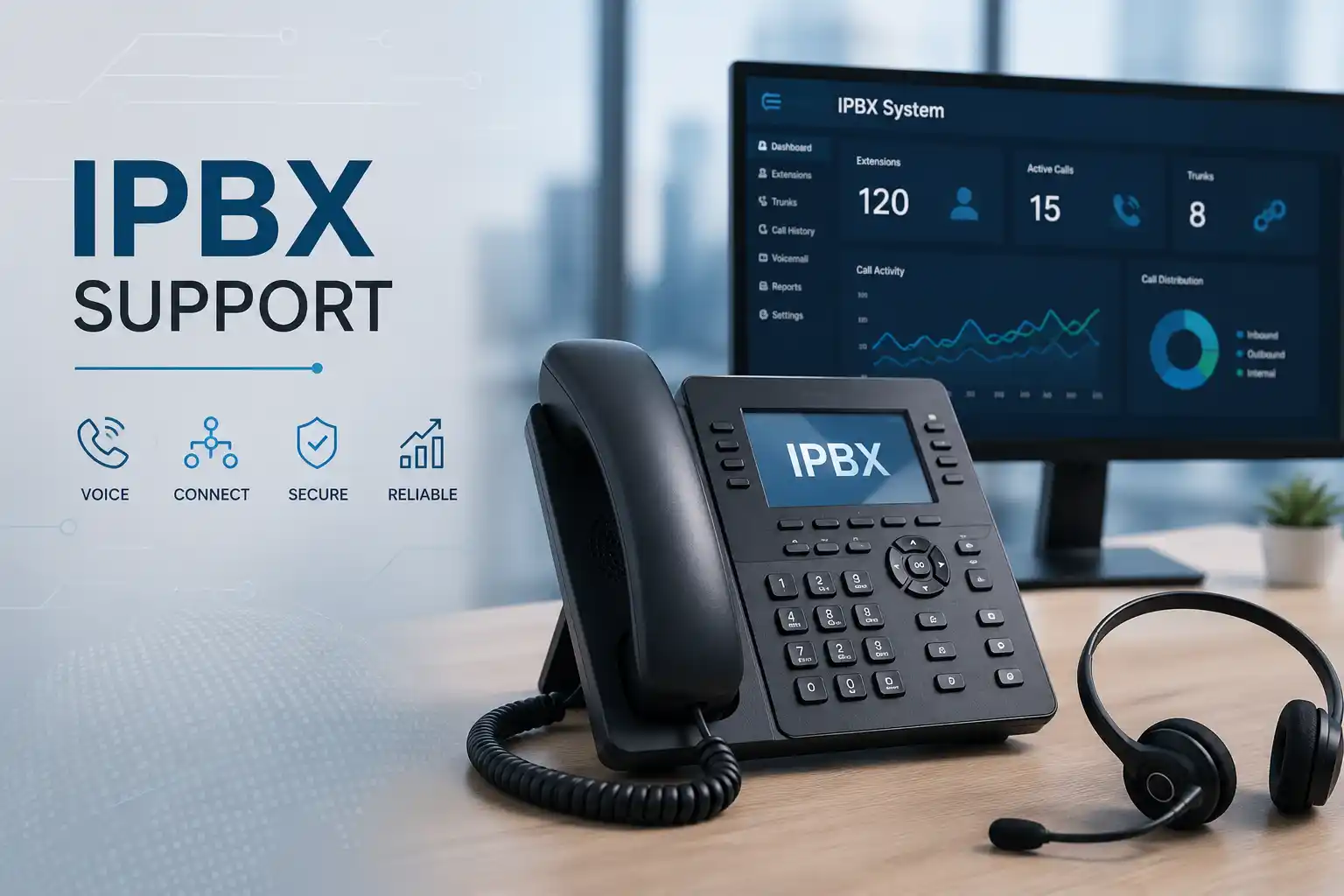
Businesses selecting or replacing a telephone system should begin with call requirements rather than the brand name alone. Fourteck helps customers define incoming numbers, departments, reception handling, extensions, remote users, call recording, reports, mobile applications, branch connectivity and integration needs. This information supports a right-sized IP PBX design and avoids paying for functions that will not be used.
Installation can include PBX deployment, extension creation, phone provisioning, SIP trunk coordination, call-flow programming, office-hours rules, voicemail, prompts, queues, user permissions, backup and testing. Network readiness is checked because voice traffic depends on stable switching, cabling, power and internet. Where existing numbers or trunks are migrating, the cutover is planned with the provider and the customer so key calls are tested promptly.
An upgrade may retain suitable phones and network components or replace them in phases. Compatibility, licensing, support status and provisioning options are reviewed before equipment is reused. Fourteck can also help document the completed system, including extension ranges, direct numbers, call routes, administrator dependencies and provider contacts. This makes future employee changes and troubleshooting more efficient. Customers looking for PBX hardware, IP phones or wider communication solutions can use the product resources available through Fourteck’s main UAE and international websites.
- Call-requirement discovery and platform selection support.
- PBX deployment, phone provisioning and SIP coordination.
- Call-flow, queue, voicemail and office-hours programming.
- Testing, documentation and phased upgrade planning.
3CX Support, Extension Administration and Call-Flow Troubleshooting
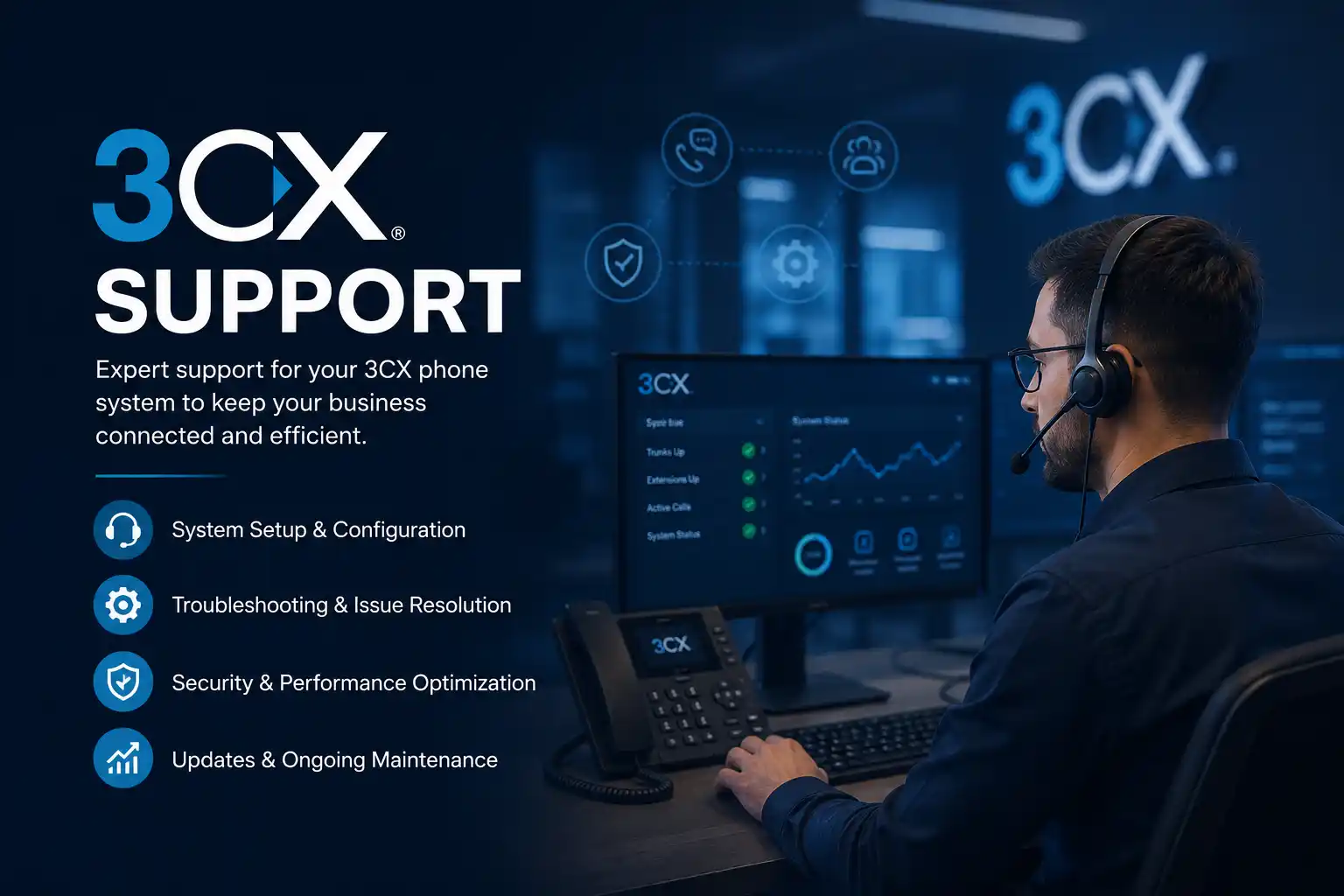
3CX combines desk phones, mobile applications, web clients, queues, messaging and remote work features in one communication platform. Fourteck supports businesses using 3CX for extension problems, phone provisioning, application login, call routing, queues, office hours, SIP trunks, backups and general system administration. Because 3CX can be hosted in different ways, support begins by confirming the deployment model, version, licence, hosting responsibility and network path.
Common issues include phones that fail to provision, mobile clients that do not receive calls, inbound numbers reaching the wrong destination, outbound calls failing, queue agents not ringing or remote users experiencing poor audio. These symptoms can involve the PBX configuration, firewall, DNS, certificates, provider settings, user status, network quality or application permissions. Fourteck traces the call and registration path using available logs and tests before making configuration changes.
Administration services can include creating and removing extensions, updating names and email addresses, setting call forwarding, configuring groups and queues, adjusting digital receptionist menus, applying office hours, checking backups and documenting trunk information. For security and continuity, administrator access, backup location, update planning and hosting ownership should be clear. When an upgrade or migration is required, compatibility with phones, trunks, recordings and user applications is reviewed. Staff can also receive basic guidance on using the web client, mobile application, status, transfer and voicemail features.
- 3CX extension, phone and application support.
- Queue, digital receptionist and office-hours configuration.
- SIP trunk, firewall, DNS and certificate coordination.
- Backup, upgrade and migration planning.
Grandstream Phone, PBX and Gateway Support
Grandstream devices are used in many offices for IP phones, PBX systems, gateways, conferencing and network-connected communication. Fourteck provides support for Grandstream equipment that has registration, provisioning, firmware, audio, network or configuration issues. The exact service depends on the model and the platform to which it connects, so device details and current access are confirmed before changes are made.
For phones, support can include account registration, display and time settings, programmable keys, directory access, headset use, call transfer and provisioning. For PBX or gateway devices, work may include extensions, trunks, analogue ports, call routing, network settings, backup and authorised firmware planning. Audio issues are checked across the phone, PBX, network, firewall and service provider because replacing the endpoint may not correct one-way or poor-quality calls.
Grandstream support is also useful during office expansion or migration. Existing devices can be assessed for compatibility with the target PBX and required features. Where automatic provisioning is available, templates can improve consistency across many phones. A clear inventory of models, MAC addresses, users and extensions makes moves and replacements easier. Fourteck can help customers decide whether to retain, reconfigure or replace devices based on condition, supportability and business requirements.
- Grandstream registration, provisioning and user-setting support.
- PBX, gateway, analogue-port and call-routing assistance.
- Firmware and configuration backup planning.
- Device inventory and compatibility review.
Yeastar PBX Support, Extensions, Trunks and Remote Users
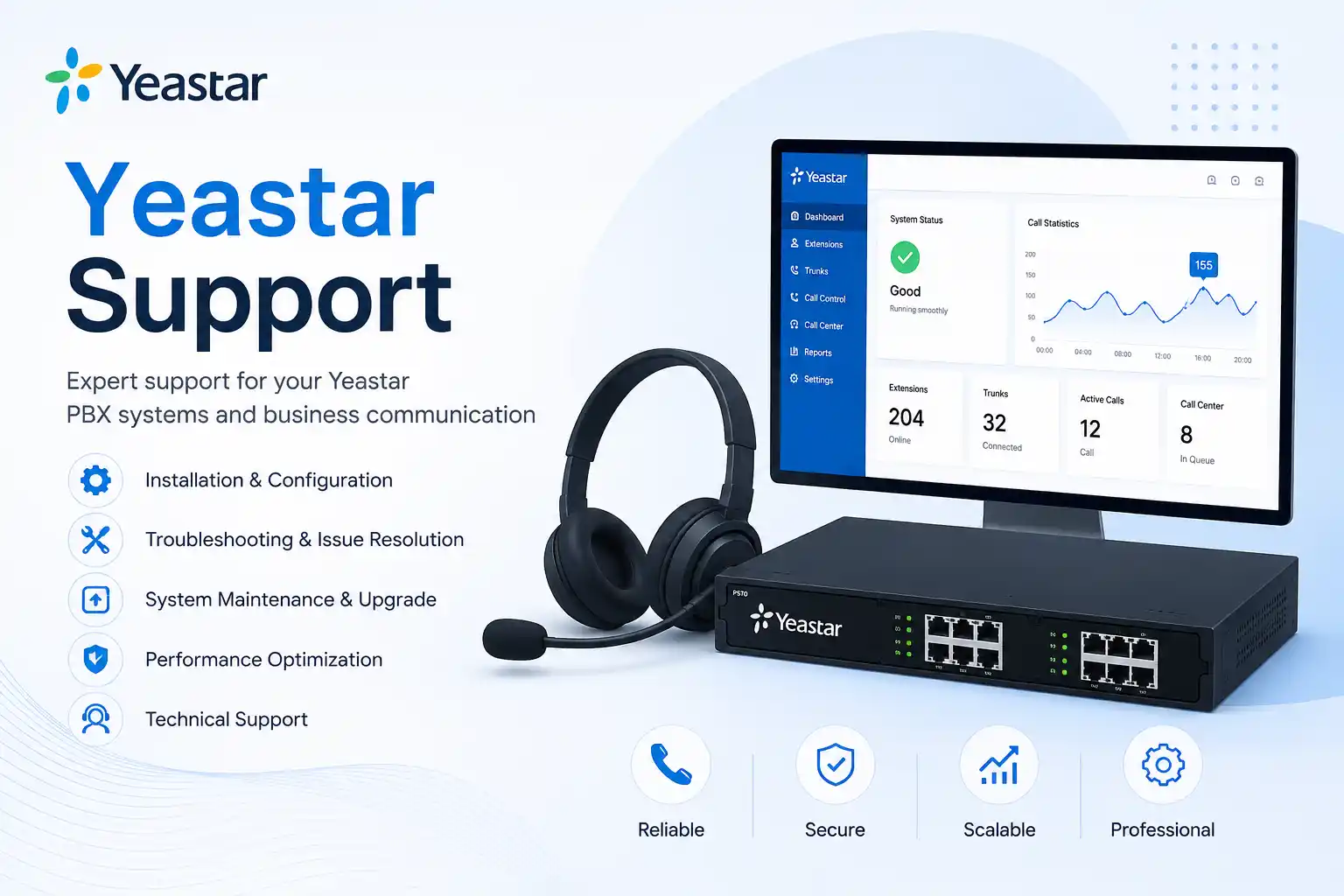
Yeastar systems provide business telephony functions such as extensions, SIP trunks, ring groups, queues, voicemail and remote-user access. Fourteck supports Yeastar environments that need troubleshooting, administration, documentation or upgrade planning. The service begins with a review of the PBX model or hosted platform, connected phones, voice provider, network and the call behaviour expected by the customer.
Support can include extension registration, user details, phone provisioning, inbound and outbound routes, office hours, IVR menus, ring groups, queues, voicemail, call permissions, SIP trunk status and backup. Remote-user or mobile-client issues may also require firewall, internet, DNS and security checks. Available logs and call tests are used to determine whether a failure occurs at the phone, PBX, provider or destination.
For changes, Fourteck records the requested business outcome before updating the system. This is particularly important for reception routes, sales queues and after-hours calls. Existing configurations can be documented to support future maintenance or migration. Where the system is older or capacity is limited, customers can receive guidance on expansion, phone compatibility, licence requirements and replacement planning. User handover can cover everyday functions such as hold, transfer, voicemail and presence.
- Yeastar extension, trunk and phone provisioning support.
- IVR, queue, ring group and office-hours configuration.
- Remote-user and mobile-client troubleshooting.
- Backup, documentation and upgrade planning.
IT Annual Maintenance Contracts and Preventive Support
An IT Annual Maintenance Contract, commonly called an IT AMC, provides a planned framework for supporting business technology throughout the year. Instead of searching for a technician every time a problem occurs, the customer has an agreed support relationship, known systems and a clearer process for raising requests. Fourteck can structure maintenance around the size of the office, number of users, supported devices, critical systems, preferred visit pattern and required reporting. The scope can include remote support, scheduled onsite visits, preventive checks and project work quoted separately.
Effective maintenance should create visibility, not only close tickets. A recurring fault may reveal an ageing switch, weak Wi-Fi design, insufficient server storage, failing backup, outdated computer or undocumented application dependency. By recording incidents and reviewing patterns, Fourteck can recommend improvements that reduce repeated disruption. Preventive tasks may include server and backup checks, firewall configuration backup, storage review, user-access review, CCTV recording verification, network cabinet inspection, operating-system health checks and documentation updates, depending on the agreed scope.
AMC customers also benefit from better preparation. Device lists, administrator dependencies, network information, provider contacts and system roles can be documented progressively. This reduces diagnostic time and helps the business respond when an employee leaves, a device fails, an office moves or a supplier changes. The contract should clearly state what is included, what requires separate approval, how replacement parts and licences are handled and what access the customer must provide. Fourteck aims to keep the arrangement practical and aligned with the organisation’s real operating needs.
Planned Support
A defined route for remote assistance, onsite work and approved escalation, based on the agreed maintenance scope.
Preventive Checks
Regular attention to backups, storage, firewalls, servers, networks, cameras and user devices where included.
Useful Documentation
Progressive recording of devices, system roles, providers, access dependencies and important renewal information.
Improvement Roadmap
Practical recommendations ranked by operational risk, urgency, business value and budget.
Backup, Data Recovery Readiness and Disaster Recovery Planning
A backup is valuable only when it contains the required data, completes successfully, is protected from the same incident as the original system and can be restored within a useful time. Fourteck helps businesses review backup arrangements for servers, shared folders, selected computers, virtual machines, applications and cloud services. The review begins with business priorities: which data is essential, how much recent work can be lost, how quickly operations must resume and who is authorised to approve restoration.
Common weaknesses include backup jobs that have failed silently, storage that is full, copies kept beside the source system, unclear retention, missing application data, expired cloud subscriptions, untested restore procedures and no record of encryption credentials. Fourteck can check job status, available capacity, schedules, retention, backup targets and restoration options within the supported environment. A test restore of selected data can provide more confidence than a successful status message alone.
Disaster recovery planning extends beyond backup. The business may need replacement hardware, internet connectivity, administrator access, application installers, licence information, provider contacts, DNS control and a decision about temporary working methods. Fourteck can help create a practical recovery sequence for likely scenarios such as server failure, storage damage, ransomware, accidental deletion, office inaccessibility or extended internet outage. The plan should identify dependencies and responsible people without becoming too complicated to use during an emergency.
Recovery Priorities
Identify the systems, data and user groups that must return first.
Backup Health
Review completion, capacity, retention, access and error conditions.
Restore Testing
Verify that selected files or systems can be recovered through an approved test.
Recovery Dependencies
Record hardware, licences, credentials, providers and network requirements.
New Office IT Setup, Relocation and Branch Opening Support
A new office or relocation brings many technology dependencies together: internet service, structured cabling, network cabinet, switches, Wi-Fi, computers, printers, servers, firewalls, CCTV, access points, IP phones, PBX extensions, email and user access. Fourteck helps coordinate these elements so the site is ready for staff and customers. Early planning reduces last-minute changes after ceilings, furniture and walls are complete.
The process can begin with the floor plan, user count, departments, meeting rooms, reception, server or rack location, CCTV requirements, phone positions and special devices. From this information, Fourteck can help identify network points, wireless coverage, switch and PoE capacity, internet handoff, rack equipment, power and UPS needs. Coordination with fit-out contractors, internet providers and other vendors can be included where agreed.
Before move-in, systems should be labelled, configured and tested. User computers, email, printers, shared access and phones can be prepared according to the approved list. Incoming calls, internet failover, Wi-Fi coverage, camera recording and remote access should be verified before the office is fully occupied. For relocations, the sequence must also protect existing data and minimise downtime at the old site. A handover record gives management a clearer view of the completed installation and future support contacts.
Planning
Translate the floor plan and business workflow into technology requirements.
Coordination
Align internet, cabling, network, CCTV, phones, users and application dependencies.
Deployment
Install, configure, label and prepare the agreed systems.
Testing
Verify connectivity, calls, recording, user access and critical applications before handover.
IT Services Adapted to Different Workplaces and Operational Risks
The same technology can serve very different purposes in each industry. A warehouse needs reliable coverage across large spaces, while a professional office may depend more heavily on document access, email and secure remote work. Fourteck evaluates the business workflow, site condition, critical applications and likely impact of downtime before recommending a support or project approach.
Professional Offices
Law firms, consultancies, accounting practices, property teams and administration-heavy businesses need stable email, document access, printing, telephony and secure remote work.
Retail and Showrooms
Retail locations depend on point-of-service connectivity, internet, CCTV, Wi-Fi, back-office computers, printers and reliable communication with suppliers and branches.
Warehouses and Logistics
Large coverage areas, handheld devices, office networks, cameras, loading zones, remote access and branch communication require practical infrastructure planning.
Clinics and Service Centres
Reception, appointments, business applications, email, phones, user access and backup need careful support with minimal interruption to daily operations.
Hospitality and Food Service
Guest and staff Wi-Fi, CCTV, phones, internet, office systems and operational devices need separation, coverage and clear support ownership.
Schools and Training Centres
User devices, wireless coverage, printing, CCTV, internet access, shared resources and administration systems must support many simultaneous users.
A Clear Technical Support Process From Symptom to Verified Result
Good support is not a sequence of random resets. Fourteck uses a practical diagnostic method that considers business impact, protects existing information and checks the result after the repair. The depth of each step depends on the urgency, system and access available, but the overall approach remains consistent.
Understand the impact
Confirm what is not working, who is affected, when it started and whether any change happened before the problem.
Isolate the source
Check the relevant device, service, network path, logs, power, cabling, configuration or provider dependency.
Protect the environment
Use configuration backups, data checks, rollback options and controlled changes where the work could affect other users.
Restore and verify
Apply the appropriate repair, replacement or workaround and test the result from the user or business-service perspective.
Document and improve
Record useful findings and recommend preventive action when the incident reveals a wider weakness or repeated pattern.
IT Support Across Dubai and the Wider United Arab Emirates
Fourteck supports businesses in Dubai and can arrange services for other UAE locations according to the project, urgency, technician availability and required equipment. Dubai coverage includes established commercial areas, industrial zones, free-zone offices, retail districts, warehouses, clinics, hospitality locations, villas used as workplaces and temporary project sites. Support requirements outside Dubai can be reviewed for Abu Dhabi, Sharjah, Ajman, Umm Al Quwain, Ras Al Khaimah and Fujairah.
Remote support is often the fastest first step for software, access, email, application and configuration issues. Onsite work is required for hardware, cabling, racks, servers, firewalls, cameras, phones, Wi-Fi surveys and physical testing. Some incidents use both methods: remote diagnosis identifies the likely cause, then an onsite visit is prepared with the right tools, replacement options and system information.
Customers can contact Fourteck with the site location, affected service, number of users impacted, error message, recent changes and preferred access time. Photographs of devices, labels, racks or error screens can help prepare the response. For planned projects, floor plans, device lists, internet details, application requirements and existing documentation are useful. Clear information at the beginning reduces delays and makes the first technical action more productive.
Dubai
Office, retail, warehouse, hospitality, clinic, villa and project-site support.
Abu Dhabi
Planned projects and support requirements can be reviewed for the capital and surrounding business areas.
Sharjah and Northern Emirates
Service requests can be assessed for Sharjah, Ajman, UAQ, RAK and Fujairah.
Remote Assistance
Suitable for many software, access, email, configuration and user-support issues.
Clear Answers About Fourteck IT Services
These answers help customers and search systems understand the service scope, support methods and information required before work begins. The final technical recommendation is based on the actual environment and authorised access.
What IT services does Fourteck provide in Dubai?
Fourteck provides business IT support for desktops, laptops, Windows, Linux, servers, office networks, Wi-Fi, internet connectivity, firewalls, business email, CCTV, IP phones and IP PBX systems. Support may cover troubleshooting, maintenance, installation, migration, office setup, documentation and improvement planning. The exact scope is confirmed from the affected systems, site conditions, access available and customer priorities.
Can Fourteck provide both remote and onsite IT support?
Yes. Remote support is suitable for many software, email, user-access, application and configuration issues. Onsite support is used when physical inspection, cabling, racks, hardware, servers, firewalls, cameras, phones, Wi-Fi or device testing is required. Some cases begin remotely so the likely cause and required tools can be identified before a visit.
Does Fourteck support small offices as well as larger companies?
Fourteck can support a single device, a small office, a department, an established business or a multi-site environment. The approach changes with the number of users, business impact, critical systems and available documentation. Small companies may need flexible assistance, while larger environments often benefit from standardisation, preventive checks, access control and an agreed maintenance process.
Can I request support without an annual maintenance contract?
Yes. Customers can request assistance for a specific fault, planned installation, upgrade, relocation or assessment. An annual maintenance contract is useful when the business wants an ongoing support relationship, scheduled visits, preventive checks and progressive documentation. One-time and project requirements can still be reviewed separately.
Do you troubleshoot office network and Wi-Fi problems?
Yes. Network support can include switches, routers, addressing, DNS, cabling, network ports, VLANs, gateways and connected devices. Wi-Fi support can address weak coverage, interference, overcrowded access points, unstable roaming and guest-network requirements. Fourteck checks whether the issue is wireless, local network, firewall, internet provider or application related before recommending changes.
Does Fourteck support Windows and Linux servers?
Fourteck supports Windows and Linux environments used for file services, applications, databases, virtual machines, backups and business infrastructure. Work may include fault diagnosis, service checks, storage review, permissions, network configuration, updates, logs, backup status, migration planning and documentation. The exact work depends on system access, application dependencies and the condition of the server.
Can you support FortiGate and SonicWall firewalls?
Fourteck provides support for FortiGate and SonicWall firewalls, including routing, access policies, NAT, address objects, VPN connectivity, configuration backup, subscriptions, firmware planning and replacement assessment. Changes are reviewed against the required business traffic so existing applications, branches and remote users are not unnecessarily interrupted.
Can Fourteck repair or maintain an existing CCTV system?
Fourteck can assess and support many existing CCTV systems, including cameras, DVRs, NVRs, storage, power, cabling, switches, playback and remote viewing. The technician first identifies whether the problem is a failed component, connection issue, access problem or design limitation. Compatibility, credentials, equipment condition and availability of parts affect the final repair option.
Which business telephone systems do you support?
Telephone support includes IP phones, IP PBX systems, 3CX, Grandstream and Yeastar environments. Services may cover extensions, phone registration, queues, ring groups, auto-attendant menus, office hours, voicemail, SIP trunks, call permissions, remote users, call quality and migration planning. Network, firewall and provider dependencies are checked when they affect calls.
Do you provide Microsoft 365 and business email support?
Yes. Support can include Microsoft 365 sign-in, Outlook profiles, mailbox synchronisation, shared mailbox access, mobile setup, multi-factor authentication, licence checks and common send-or-receive problems. Domain and mail-flow settings can be reviewed when authorised access is available. Suspected account compromise should be reported urgently so passwords, sessions and unexpected forwarding rules can be checked.
Can Fourteck set up IT for a new office or branch?
Yes. New-office services can include planning network points, racks, switches, Wi-Fi, internet, firewalls, computers, printers, servers, CCTV, IP phones, PBX extensions, email and user access. Early coordination with the floor plan and fit-out team helps avoid missing cable points, poor camera positions and wireless coverage gaps. Systems are configured and tested before handover where the project scope allows.
What information should I provide when requesting IT support?
Provide the site location, affected service, number of users impacted, when the issue started, any error message and any recent change such as a power event, update, office move or provider work. Photographs of device labels, racks, cables or error screens can be useful. For planned projects, include floor plans, user counts, application requirements, device lists and current provider details.
Which UAE areas can Fourteck support?
Fourteck serves customers in Dubai and can review requirements in Abu Dhabi, Sharjah, Ajman, Umm Al Quwain, Ras Al Khaimah and Fujairah. Availability depends on the service type, urgency, site access, equipment and project scope. Remote assistance may be used first for suitable software and configuration cases, while physical infrastructure work requires onsite attendance.
Tell Fourteck What Is Not Working, What You Are Planning and Where You Need Support
For a fault, provide the location, affected users, device or system, error message and recent changes. For a project, provide the site, user count, required services, preferred schedule and any available floor plan or equipment list. Fourteck will review the requirement and identify the appropriate next technical step.